
Download on the App Store

Know what things
really cost.

Just open Quick Currency and scroll to a useful amount — so you instantly know if that drink is $4, $40, or $400.

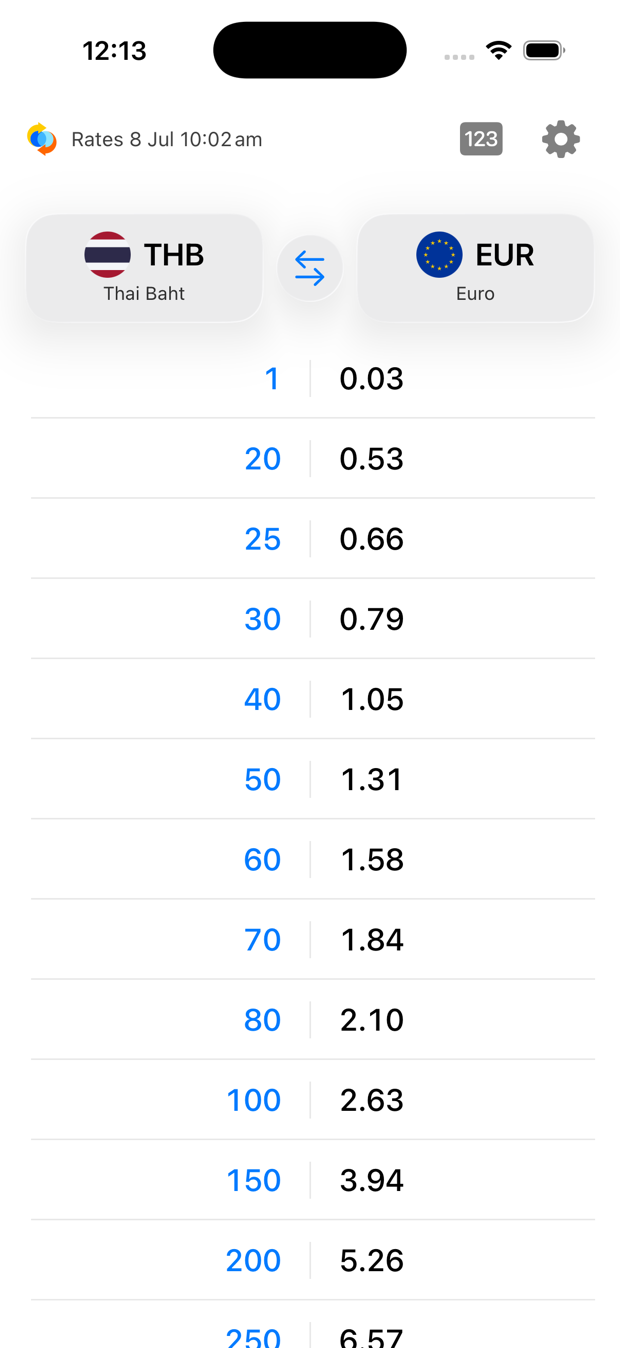
Quick Currency on iPhone: a live conversion table of Thai Baht to Euros, with the currency chips and daily-rate line at the top

It’s a currency cheat sheet you can actually use while shopping — without it being awkward.

Built for travellers.

Glance, understand, move on. Every detail is tuned to answer one question fast: what does this cost back home?

Automatic cheat sheet

A live conversion table — round local amounts beside their home-currency value, always up to date. No typing.

Knows where you are

Home and local currencies are set automatically from your region and time zone (or choose any currency you want). No location permission needed.

Realistic Rates

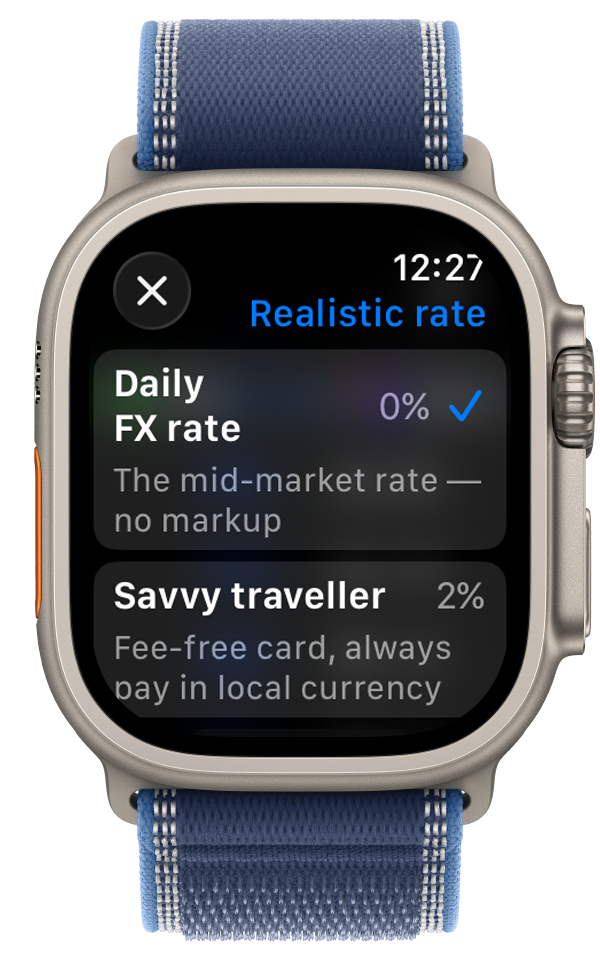
See what you’ll actually pay. Add a real-world markup for a fee-free card, everyday spending, or airport rates — so the figure is closer to reality.

Tap for the in-between

Tap any amount to reveal the values in between — as fine-grained as the moment needs.

Works offline

Rates are cached on your device, so conversions keep working with no signal — abroad is exactly when you need it.

Private by design

No accounts, no tracking, no ads, no data collected. Everything happens on your device.

Open it, and it’s
already right.

1

Open the app

It detects your home currency from your region and your local one from where you are.

2

Read the table

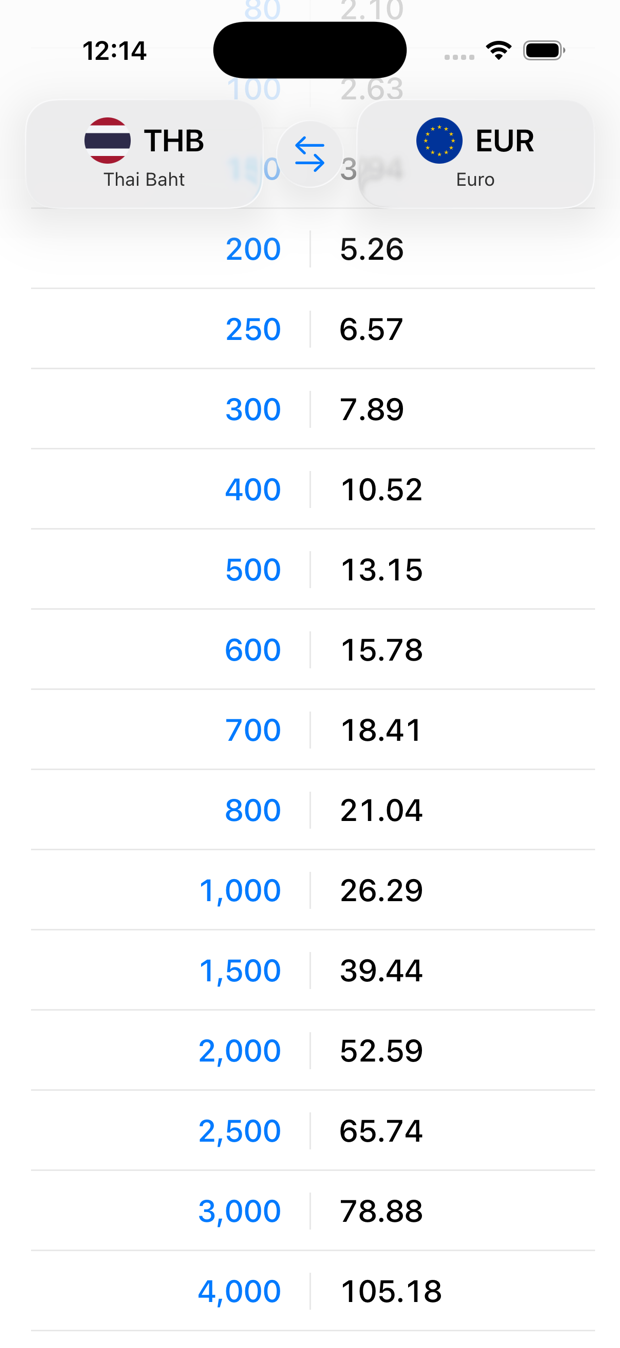
Everyday round amounts in the local currency, each beside its exact home-currency value.

3

Tap to zoom in

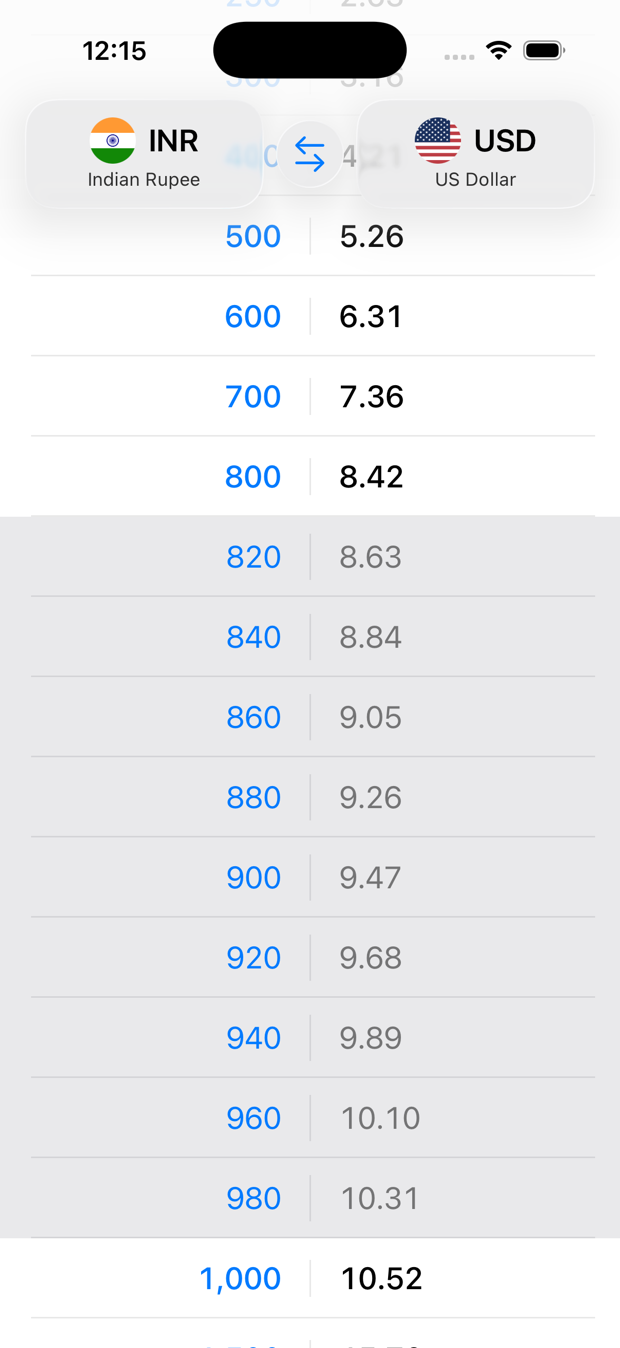
Need a price between two rows? Tap a row to reveal the in-between amounts.

A currency conversion table on iPhone — round Thai Baht amounts beside their value in Euros
Tapping a row reveals the in-between amounts, highlighted between the round numbers

Around 160 currencies. Amounts that fit the place.

The table isn’t generic. Quick Currency uses World Bank data on how much things actually cost where you are, so the amounts you scroll through are the ones you’ll really see on a price tag.

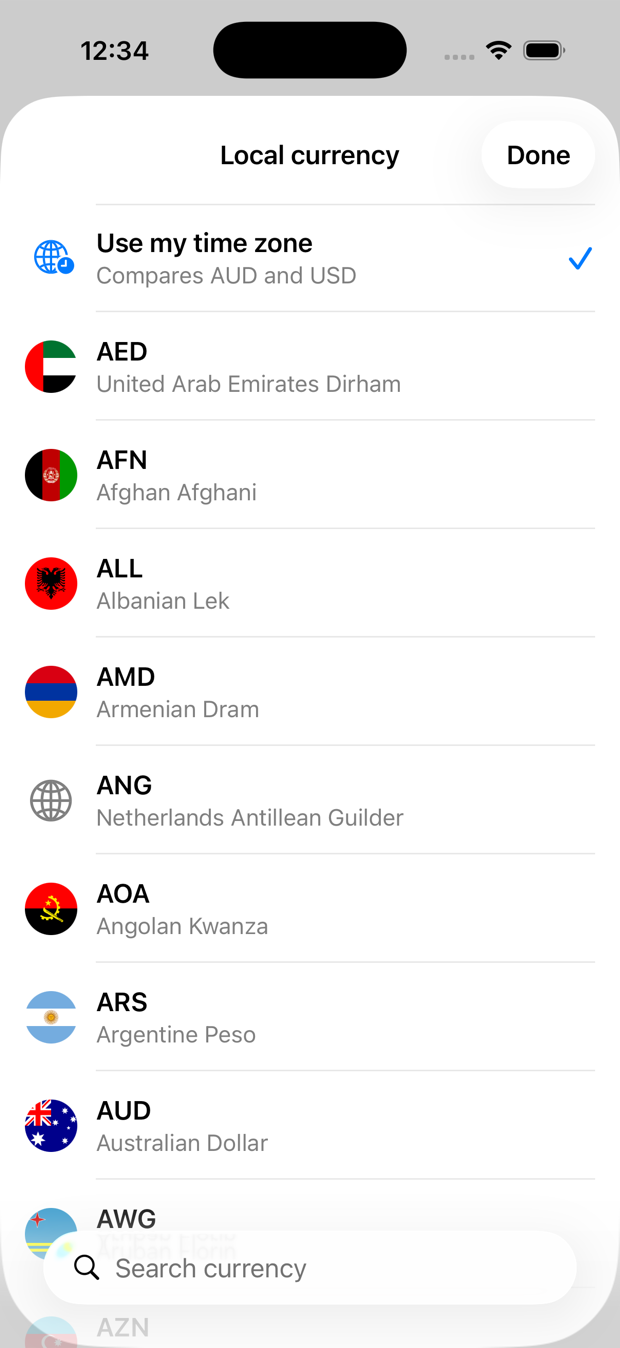
Change either currency any time — just tap it and search.
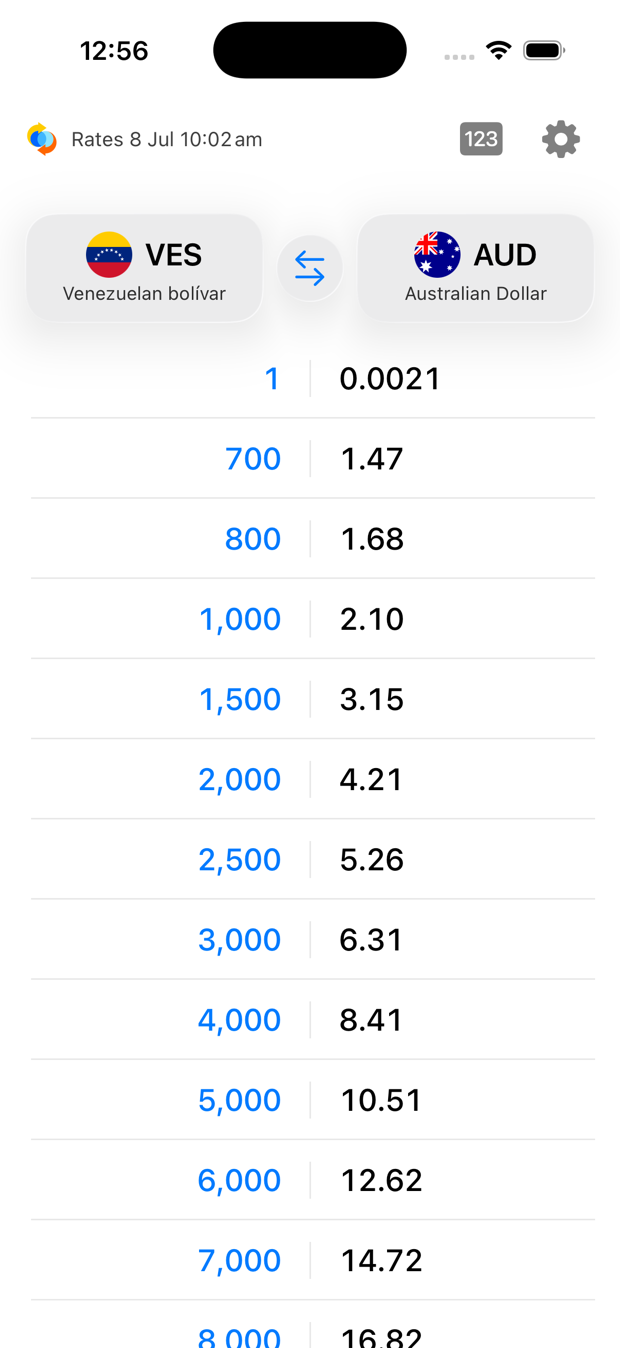
A Venezuelan Bolívar conversion table on iPhone, with amounts scaled up to fit local prices — 700, 1,000 and 2,000 bolívars beside their value in Australian Dollars
The Local currency picker with a Use my time zone option at the top

On your wrist, at a glance.

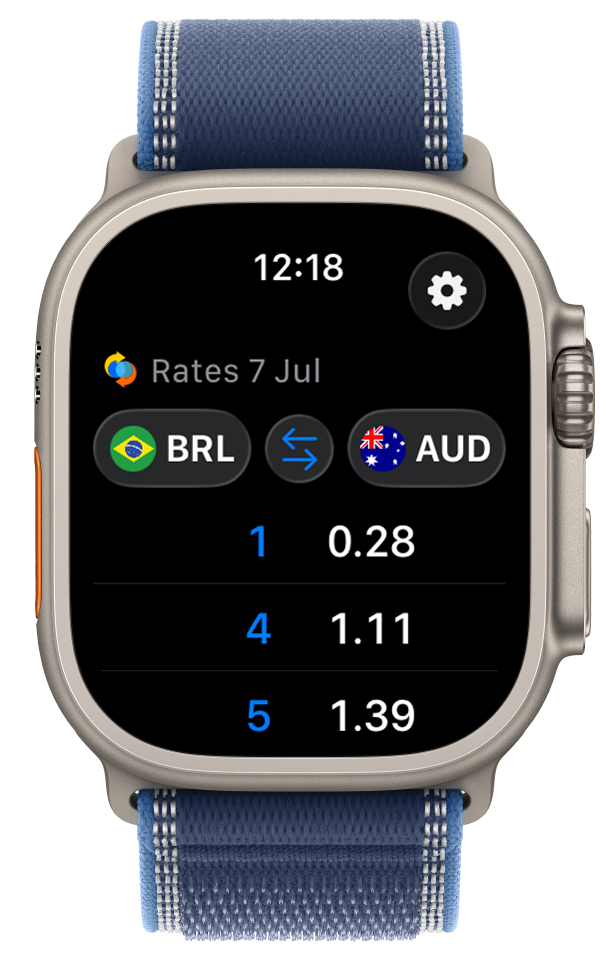
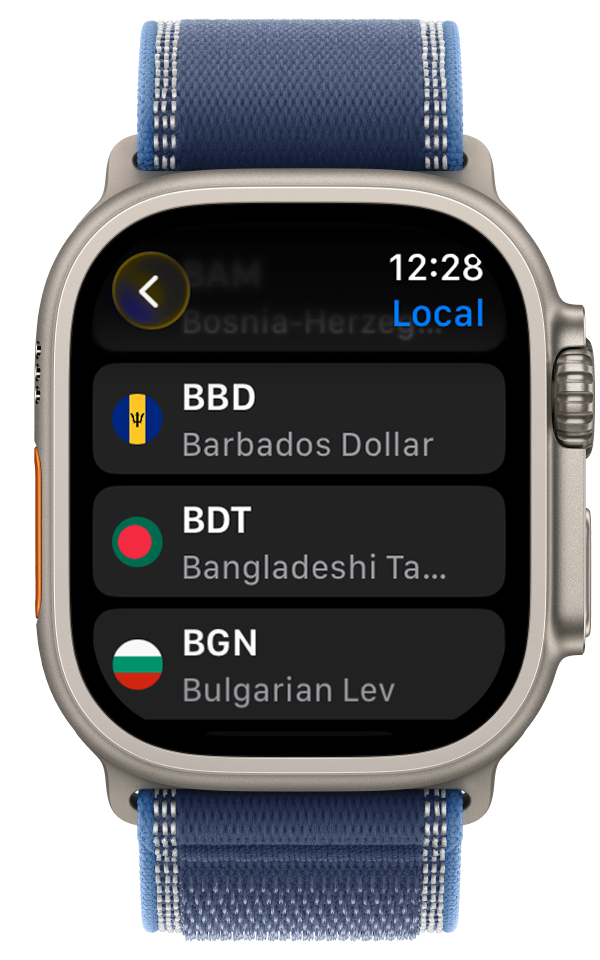
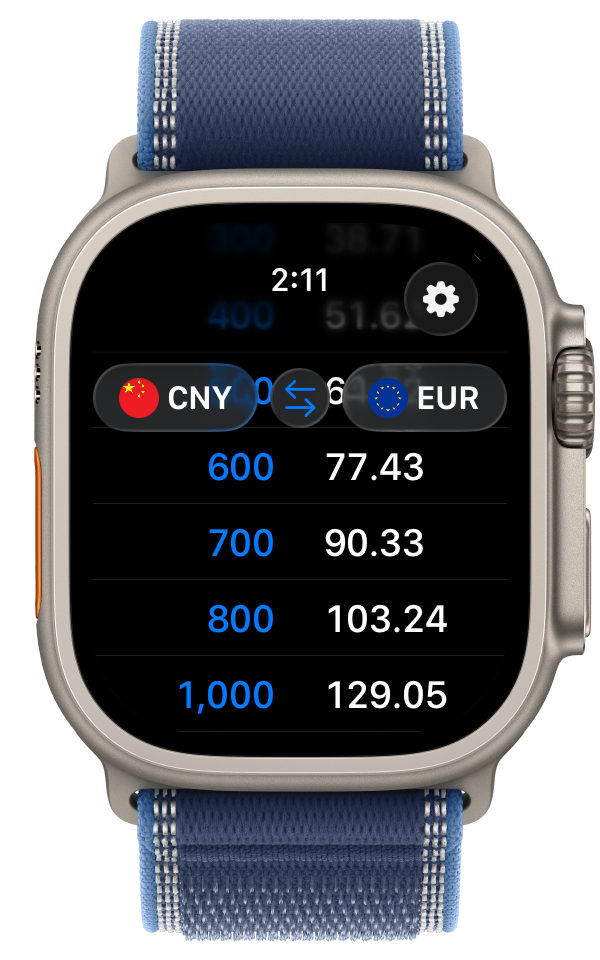
The same live table on your Apple Watch. Glance down, scroll to a price, done — no phone, no typing. Set your realistic rate and pick any currency right from your wrist.

Quick Currency on Apple Watch showing a live conversion table from Brazilian Real to Australian Dollars Choosing a Realistic Rate tier on Apple Watch The currency picker on Apple Watch

There’s a calculator, if you really want.

But we don’t think you’ll need it much.

Tap the numbers button, type an exact amount, and get the precise conversion — Realistic Rate and all. It’s there for the moments you need it. Only available on iPhone and iPad.

Fresh rates, every day.

Quick Currency updates exchange rates daily and covers around 160 currencies. Rates by Exchange Rate API. It’s an information tool, not a financial or money-transfer service.

Get support